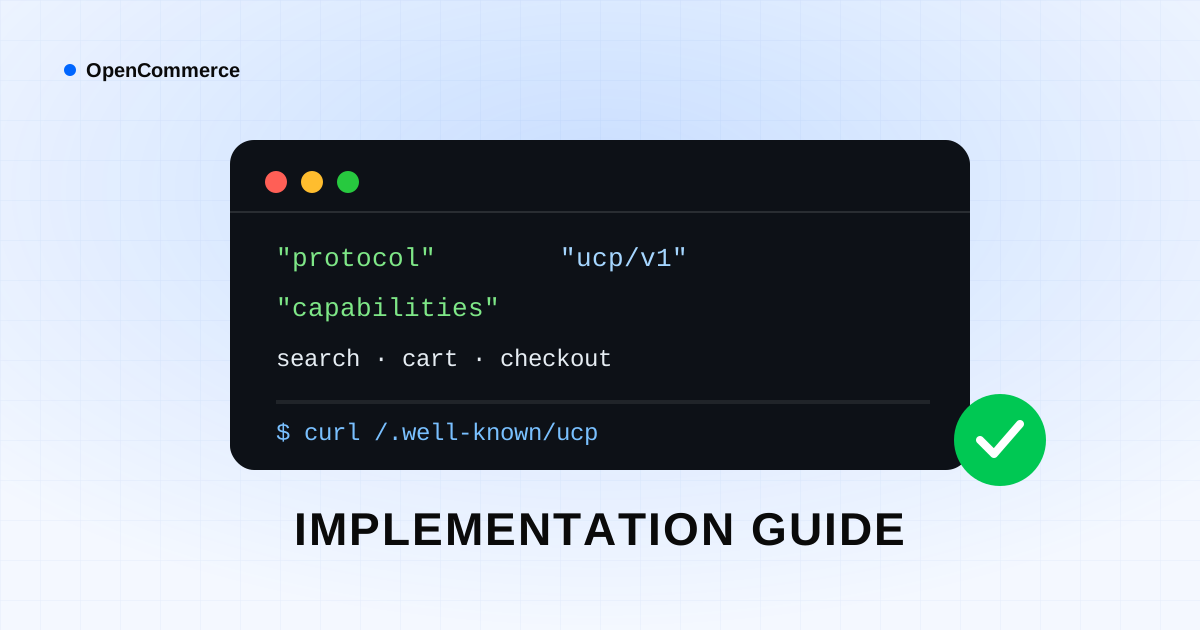
So far, you've read about UCP, MCP, and GEO. This guide is the most technical part of the journey: step by step, how to implement these standards on a real storefront site — from building the first file to final testing.
Prerequisites
- Access to the domain root to upload a file at the
/.well-known/path - A backend that can return JSON endpoints (any language: PHP, Node.js, Python, etc.)
- Valid HTTPS access (most agents won't accept a plain HTTP connection)
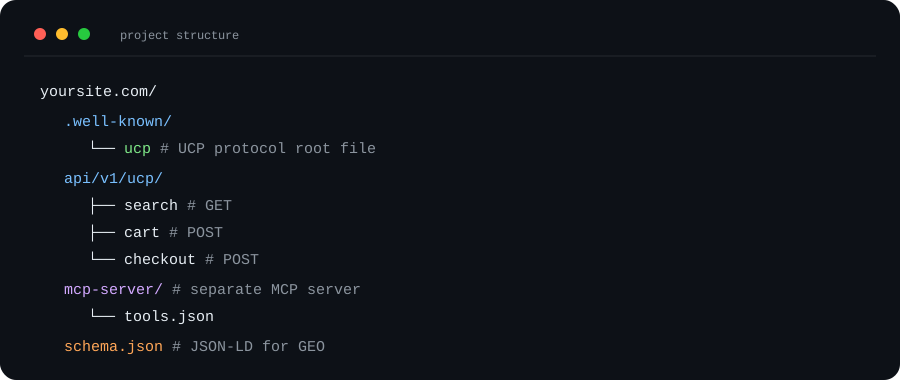
A Recommended Folder Structure
Step One: Build the ucp.json File
The fastest path is using the free UCP generator: enter your business information, business type, and required capabilities, and a complete, ready-made file is generated. If you'd rather write it by hand, be sure to fully complete the protocol, merchant_name, and capabilities fields per the UCP guide article.
Step Two: Publish It at the Right Path
The file must be available at exactly https://yoursite.com/.well-known/ucp, with its Content-Type header set to application/json. Many servers block access to the .well-known folder by default — be sure to check this in your web server's configuration.
Step Three: Implement the Endpoints
For every capability you've declared in the UCP file (like search_offers or initiate_checkout), you need to build a real backend endpoint that returns exactly the defined response structure. An important note: responses must always be valid, structured JSON — never HTML or free text.
Step Four: Set Up a Simple MCP Server
If you want agents to have controlled access to your internal data (like real-time warehouse stock), build a separate server with defined tools per the MCP guide. It's recommended to keep this server separate from your site's public API so you have a clear security boundary.
Step Five: Testing and Validation
- Run
curl -i https://yoursite.com/.well-known/ucpto check that a 200 response and valid JSON come back - Check the JSON output in an online validator
- Test each capability endpoint individually with Postman
- Measure the endpoints' response time — agents usually have a short timeout window
- Make sure that on error, a JSON response with a clear message comes back, not an HTML error page
Security Notes You Shouldn't Forget
- Never put sensitive payment information directly in a UCP response; use standard payment gateways
- For sensitive endpoints (like payment), require authentication and request signing
- Apply rate limiting on all public endpoints
- Log and monitor unusual requests or high traffic volume
An untested endpoint is worse than not having that endpoint at all — because you lose an agent's trust once, and it's hard to earn back.
The Final Implementation Checklist
- The ucp.json file is published at /.well-known/ucp with the correct Content-Type
- Every declared capability has a real, active endpoint
- Responses are always valid JSON, even on error
- HTTPS is active with a valid certificate
- If needed, an MCP server has been set up with limited, controlled access
- Final testing with curl/Postman has been done and documented
Frequently Asked Questions
How long does it take to complete these steps?
Building and publishing the UCP file usually takes less than ten minutes. Fully implementing the endpoints varies from a few hours to a few working days, depending on the store's complexity.
Do I need to implement all capabilities at once?
No. It's recommended to start with search_offers and get_product_details, and gradually add more advanced capabilities like payment.